Eyes on the road.
Phone on lock.
Safer Drive keeps company drivers focused on the road. Check in for your duty hours, and once you reach 10 km/h your social media and messaging apps are locked. It's built for teams and works for individual drivers too.
Built for drivers who are on the clock
Check in when your shift starts. While you're on duty, Safer Drive takes care of distractions.
Duty-hour check-in
Check in when your duty hours start. Safer Drive protects you only while you're on the clock.
Locks at 10 km/h
When your speed reaches 10 km/h, all your social media and messaging apps are locked right away.
Unlocks when you stop
If you're not moving, Safer Drive checks for two minutes and then unlocks your apps.
Smart auto-reply
Contacts who message you get an automatic reply saying you're driving and will get back to them soon.
Trip details
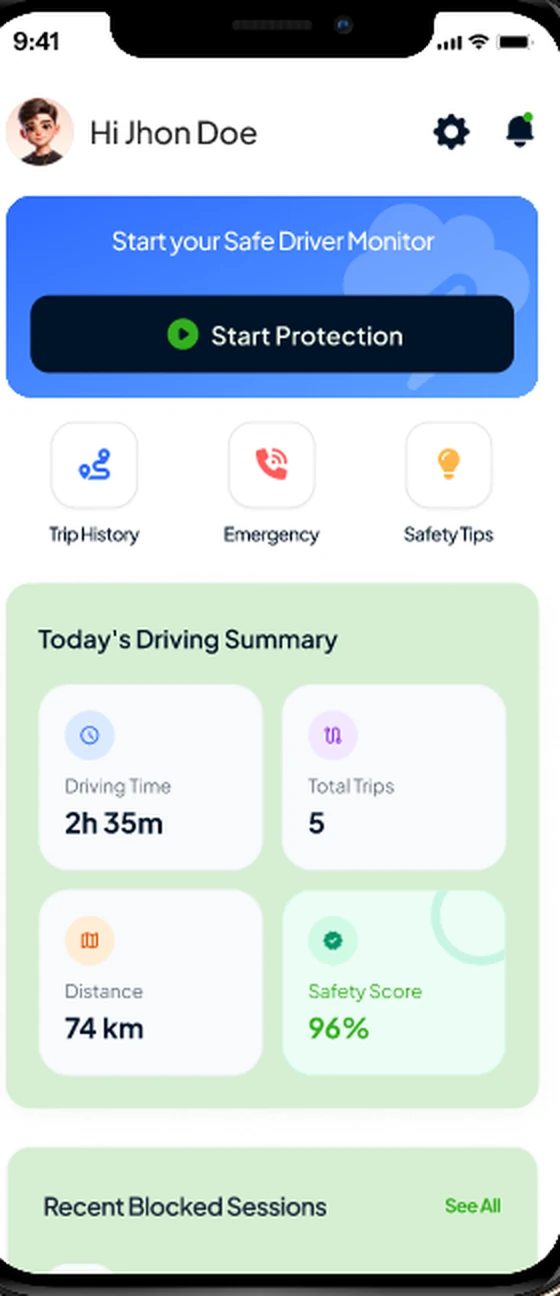
Every trip is recorded, so drivers and their companies can look back at when and how far they drove.
Safety instructions
Practical safety guidance in the app helps drivers build good habits on every trip.
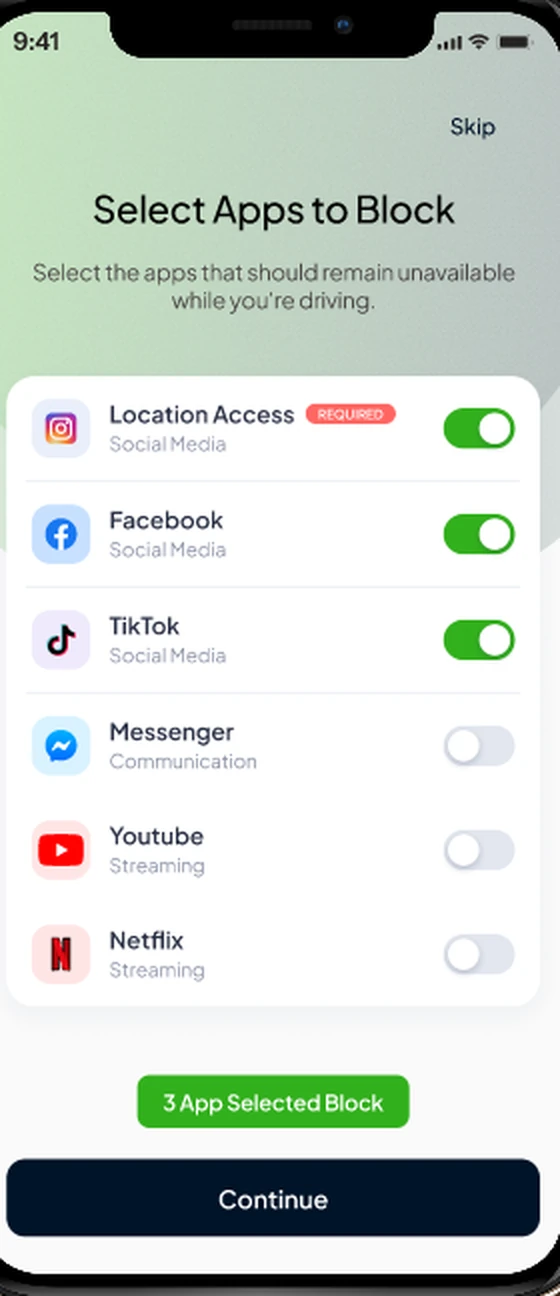
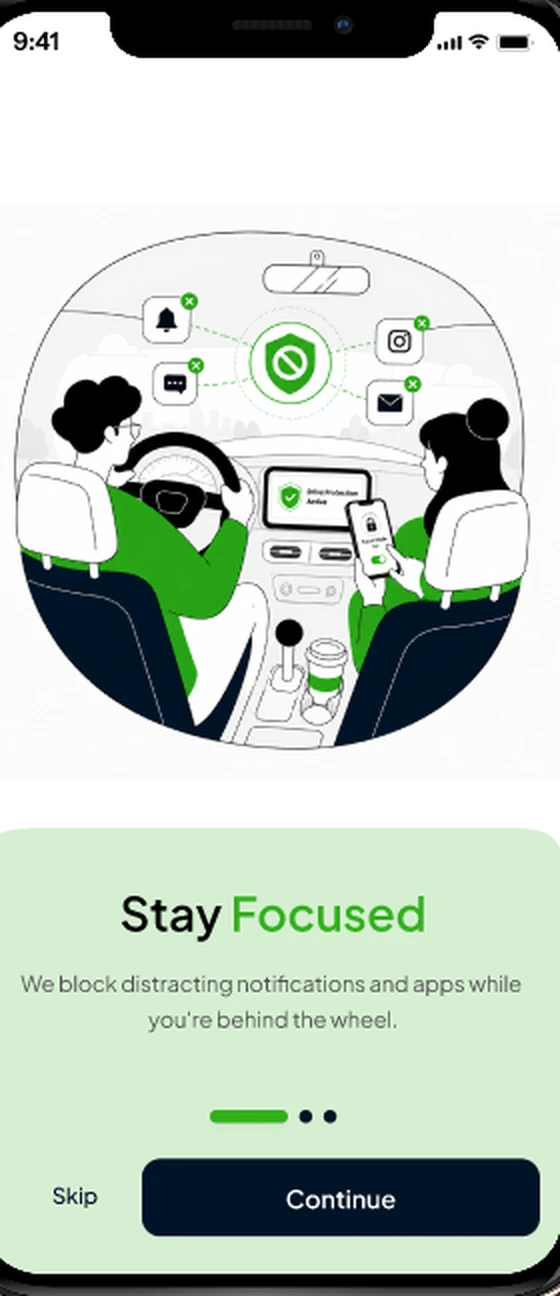
Speed hits 10 km/h. Distractions switch off.
Once you're checked in and moving, Safer Drive locks your social media and messaging apps, so there's nothing to scroll and nothing to answer behind the wheel.
- Locks social media and messaging apps
- Triggers automatically at 10 km/h
- Active only during your duty hours
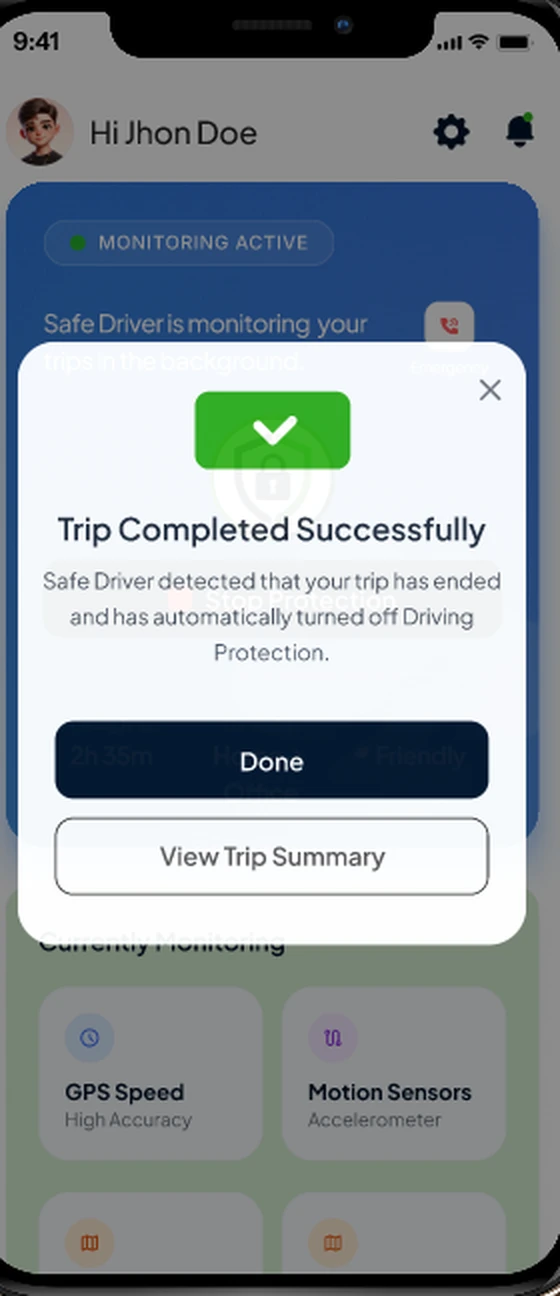
Stopped? Your apps come back.
Safer Drive doesn't keep you locked out for no reason. When you stop moving, it waits two minutes to make sure you've really stopped, then unlocks your apps.
- Two-minute check when you stop
- Apps unlock by themselves
- Trip details saved after every drive
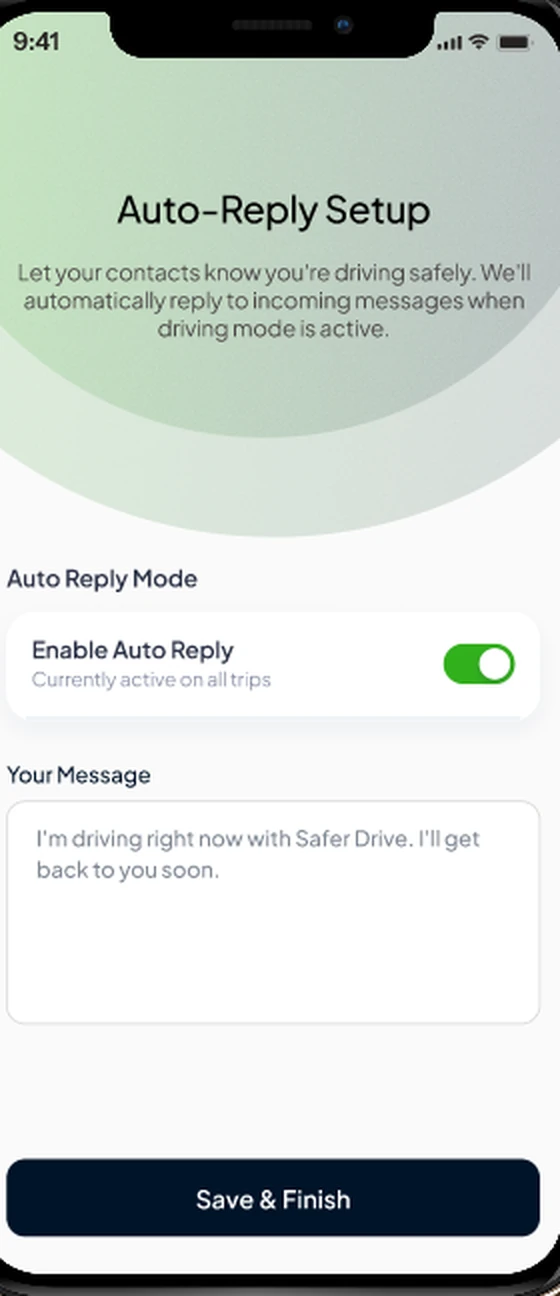
Stay reachable without picking up
While your messaging apps are locked, Safer Drive replies for you, so customers, colleagues and family know you're driving and will be in touch soon.
- Automatic replies while you drive
- Write your own message
- No need to touch your phone
Safer driving in three simple steps
Set it up once, check in each shift, and drive.
Download & start free
Install Safer Drive for free, allow the permissions it needs and enjoy 14 days at no cost.
Check in for duty
When your duty hours begin, check in. Safer Drive is now ready to protect you.
Drive distraction-free
At 10 km/h your social media and messaging apps lock. Stop for two minutes and they unlock.
One dashboard for your whole team
Companies registered with Safer Drive get a dedicated admin dashboard to keep every driver safe and accountable.
Safer Drive is made for company employees who drive for work, and individual drivers can use it too.
Phone usage
See how employees use their phones on duty.
Check-in times
Know when each driver checks in for duty.
Trips
Review every trip your team takes.
Blocked apps
See which apps were locked during drives.
Custom team notifications
Send your own notifications to your teams, from safety reminders to shift updates.
From setup to safe arrival
Follow a driver through Safer Drive, screen by screen.
Trusted by drivers and the teams behind them
Hear from the people using Safer Drive on the road every day.
[Real quote from a company using the admin dashboard]
[Real quote from an employee who drives on duty]
[Real quote from an individual subscriber]
Free to download. Free for 14 days.
Try every feature free for 14 days, then choose a monthly or yearly subscription.
Personal
For anyone who wants to stay focused on the road.
- Duty-hour check-in
- Social media & messaging locked at 10 km/h
- Auto-unlock after two minutes stopped
- Auto-reply, trip details & safety instructions
Business
For companies with employees who drive for work.
- Everything in Personal for every employee
- Dedicated admin dashboard
- Phone usage, check-ins, trips & blocked apps
- Custom notifications to your teams
Questions? We've got answers.
How do I turn Safer Drive on?
You check in according to your duty hours. Once you're checked in, Safer Drive is ready, and it locks your apps as soon as you start driving.
When are my apps locked?
As soon as your speed reaches 10 km/h, Safer Drive locks all your social media and messaging apps.
What happens when I stop?
If you're not moving, Safer Drive checks for two minutes and then unlocks your apps.
Will people know I'm driving?
Yes. With auto-reply on, people who message you get an automatic reply saying you're driving and will get back to them soon.
Is it only for company employees?
Safer Drive is designed for company employees who drive for work, but individuals can use it too, with a personal subscription.
What can companies see?
Companies registered with Safer Drive get an admin dashboard showing their employees' phone usage, check-in times, trips and blocked apps. They can also send custom notifications to their teams.
How much does it cost?
Safer Drive is free to download and free to use for 14 days. After that, you choose a monthly or yearly subscription. There are plans for both individuals and companies. For company plans, email info@saferdrive.app.
Is Safer Drive available on iPhone and Android?
Yes. Download Safer Drive from the App Store for iPhone or from Google Play for Android.
Make every shift a safer drive.
Download Safer Drive for free and try it for 14 days, for yourself or for your whole team.